
LaPorte County VINE Coverage
The Sheriff keeps things simple. The Sheriff's VINE page points La Porte County users to custody information and automatic notifications. The state brands the same route as Indiana SAVIN. Both serve victims and concerned residents. They want to know whether a named person is in participating custody. If that custody shifts, the alerts follow.
VINE answers a narrower question than the jail record does. It can show status and location. It can also send release, transfer, or escape notifications. It does not replace Indiana MyCase. The Sheriff publishes no La Porte-specific refresh interval. A fresh intake may lag before it appears. For booking that is still processing, jail staff and JailTracker remain the better checks.
| Question | Best source |
|---|---|
| Is the person in county custody now? | JailTracker, AIS, then VINELink |
| Can I receive a custody-change notice? | VINELink or Indiana SAVIN |
| What happened in court? | Indiana MyCase |
| Is the person in federal custody? | BOP or ICE, as applicable |
Search One Arrest on VINELink
Start with enough detail to separate one person from everyone sharing the name. This search is about a person. A spelling or a suffix can settle the match. So can a middle initial or a displayed ID number. Same name alone is never enough; check the facility and status too.
- Open VINELink or the Indiana SAVIN route.
- Select Indiana and choose the person or offender search shown by the interface.
- Enter the name or available identification number. Try a supported spelling variation if needed.
- Compare the facility, custody state, and other visible identifiers before opening a record.
- Read the result as current custody data, not as proof of the charge or case outcome.
A blank result is not the end. Check the official La Porte County JailTracker and the automated inmate information line. The person may be newly booked or released. They may be transferred, held elsewhere, or listed under a different name. For an older arrest record, Records is the proper route. The Daily Arrest Report covers that fresh-booking fallback in detail.
Fields in a VINELink Result
The exact screen can change from search to search. Trust only the fields the live result provides, and do not assume another state or facility shows the same data. What VINELink offers is a custody signal plus an alert option. It is not a full arrest report.
| Field | How to interpret it |
|---|---|
| Name | One matching point, not sufficient by itself |
| Identification number | A custody-system identifier, not always a court cause number |
| Custody status | The participating agency’s reported state at that time |
| Facility | The reported place of custody, which may change |
| Notification option | A way to register for supported status changes |
Read custody events carefully. Release from the county jail is not a dismissal. An active case can still sit in MyCase long after a VINE custody record changes, because the two systems track distinct events; read them together only when identity and case numbers line up.
The national VINELink landing interface is where a named custody search begins.
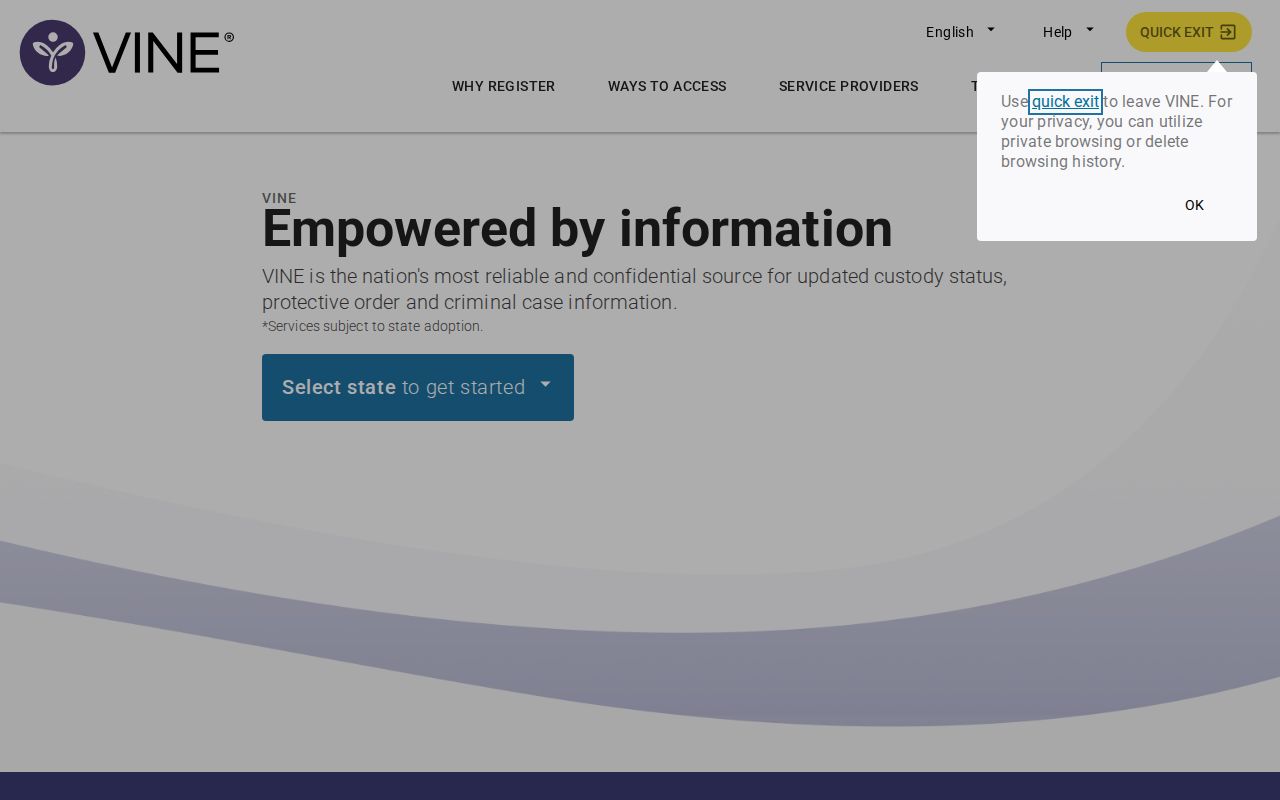
That screen is an entry point for a named custody search, not a gallery of LaPorte County arrests.
Register for LaPorte Custody Alerts
Registration comes after a confirmed person match. Indiana and county sources describe free notices by phone or email for supported custody changes. Which delivery choices appear is decided by the live interface. Phone registration typically relies on a personal identification number, a PIN, to confirm or manage the alert. Keep that PIN private and save the registration details.
- Open the correct person record after verifying the facility and identity.
- Choose the notification or registration control shown on the result.
- Select an available phone or email delivery method.
- Create or record the requested PIN and confirm the contact information.
- Save the registration details and follow the prompt if a notice arrives.
An alert can report release, transfer, escape, or another supported custody change. Not every hearing gets announced. Charge amendments and bond decisions stay off the feed. When safety depends on immediate confirmation, contact the jail directly. MyCase carries the public court chronology. The clerk answers case-specific questions.
The Indiana SAVIN page shows the state-branded route for VINE services.
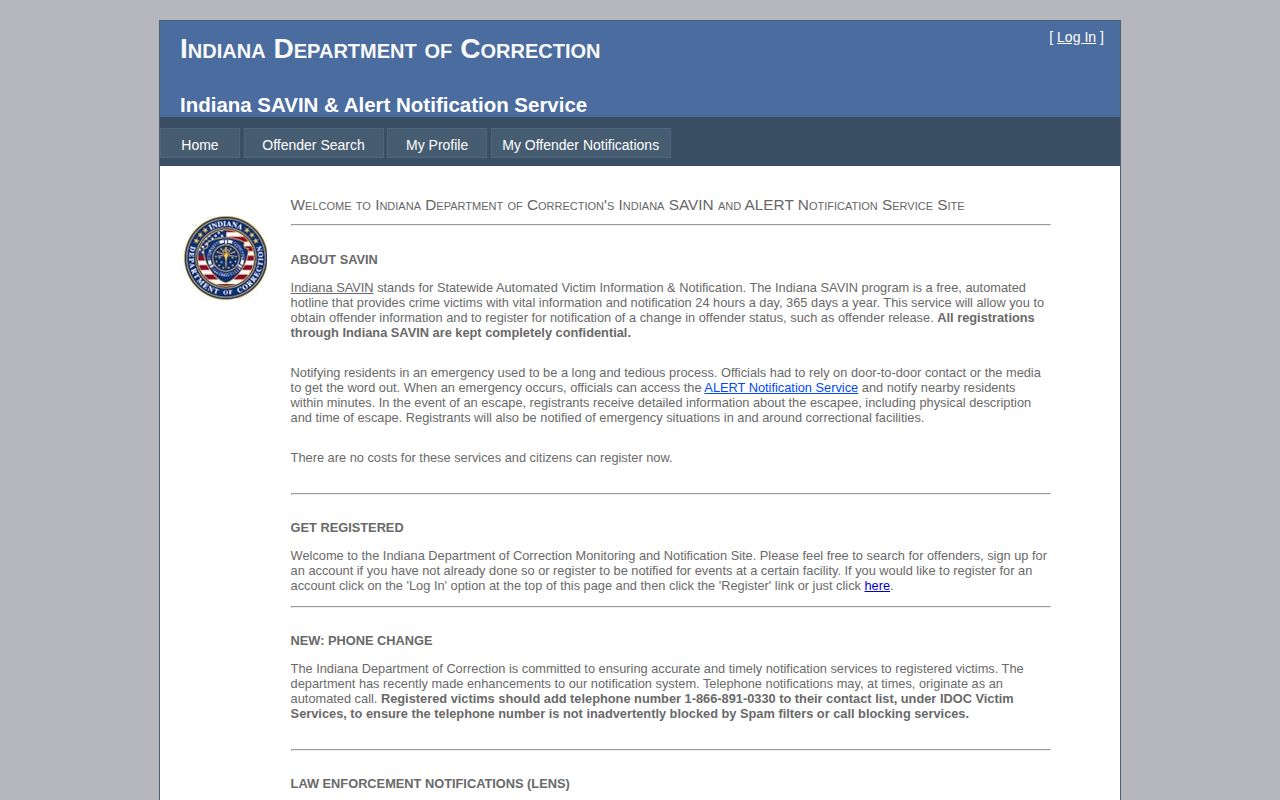
This state portal confirms the local service belongs to Indiana’s wider notification network.
LaPorte VINE Timing and Limits
Timing is the honest weakness here. The Sheriff links VINE but posts no refresh schedule. Do not count on real-time delivery. A delay can happen anywhere from jail intake to the roster. It can also occur in the VINE exchange or the notification channel. Someone can leave county custody before you even finish registering. When a cached screen conflicts with the jail's current information, the jail wins.
VINE is not a historical arrest archive either. The Records Division holds the request path for an identifiable past report or photograph. Indiana MyCase holds the public court trail. IDOC's locator covers state correctional custody. Each service covers a different stage. Absence from one is not proof of absence from all.
Note: Save the facility name and time of a VINE result before calling the jail to confirm a change.
Federal Custody Uses Other Locators
Federal custody works differently. VINE is not a universal federal system. The Federal Bureau of Prisons locator covers people in BOP custody, though it is no county booking-photo feed. The ICE detainee locator serves immigration detention. The Marshals Service runs no single public nationwide roster like a county jail list.
A La Porte County jail report can flag a federal or other-agency origin. That flag does not prove any new local prosecution. When JailTracker and VINE come up blank after a known transfer, switch to the locator that matches the receiving authority. Confirm identity carefully. For the legal outcome, the court docket is the source, not the place of custody.
Responding to a VINE Notice
Treat every VINE notice as a prompt to verify, not a final answer. Listen to the full message first. Write down the person and facility named. Use your saved PIN only through the official VINE channel, then confirm custody with the live source or a call to the holding agency. A text asking for payment, court papers, or personal data is a red flag, so never answer one with that information.
Learn what each alert actually means. A release can follow bond, a court order, or a completed sentence. A transfer only means custody moved to another facility. Escape alerts carry their own safety instructions, so follow whatever the official notice spells out. VINELink never replaces 911. For an immediate threat, call emergency services right away; for a routine check, the sheriff's non-emergency line works fine.
After an alert, keep custody events and court events in their own lanes. A release notice says nothing about the case itself, and a transfer says nothing about sentencing. For the court side, MyCase holds the public chronology, and the clerk can confirm a specific filing. The Records Division stays the route for a historical report.